How Do I Change and Customise My Avatar?
Your avatar helps your contacts recognise you. Start with a suggestion or customise the details yourself.
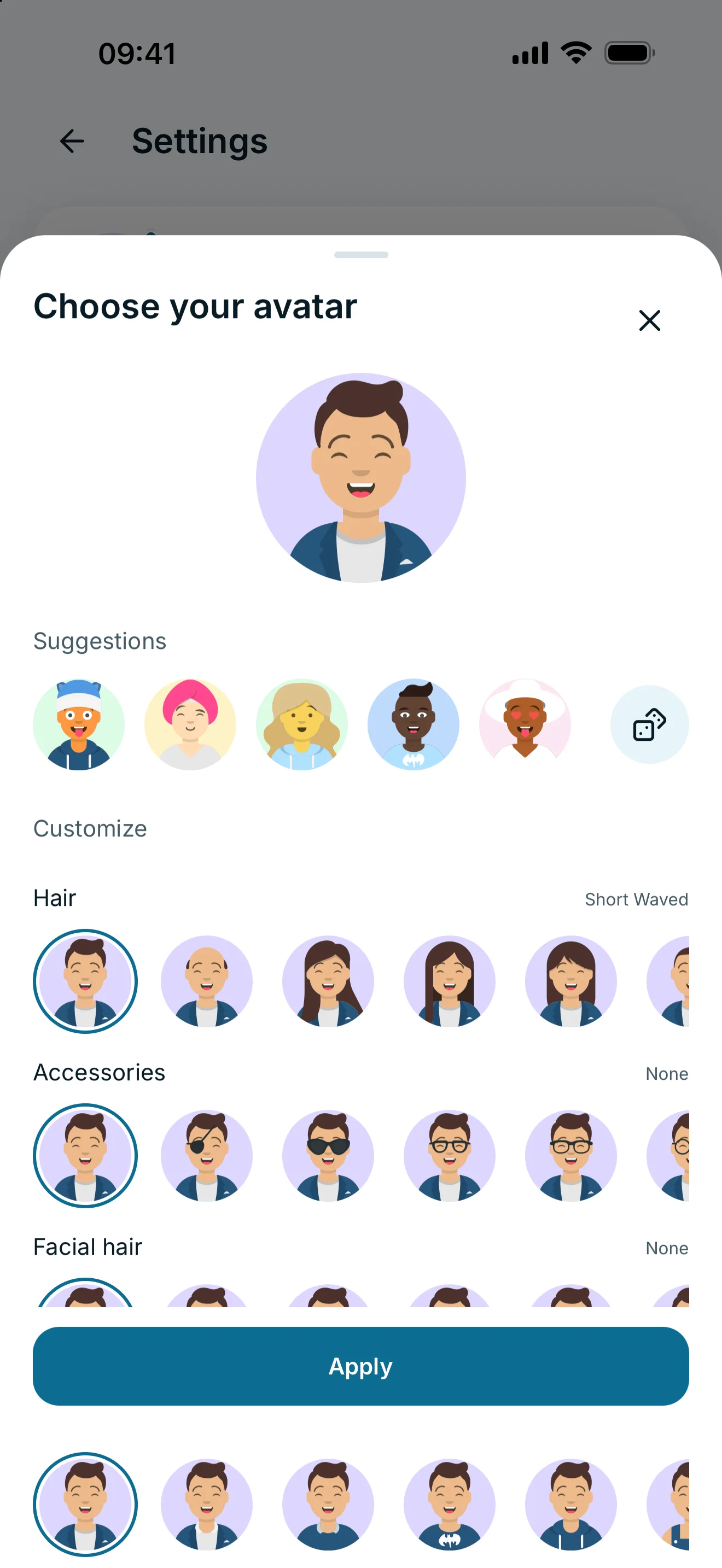
Open Settings and tap your avatar. Pick a suggestion or scroll to Customize to change the face, hair, clothing and colours. Tap Apply to save your new avatar.
Choose an avatar suggestion
- Open Settings and tap your avatar (Edit avatar).
- Under Suggestions, browse the available avatars.
- Select one, or use Shuffle to get another set.
- Tap Apply when you are happy with your choice.
A suggestion is a starting point. You can continue editing it under Customize.
Change features and colours
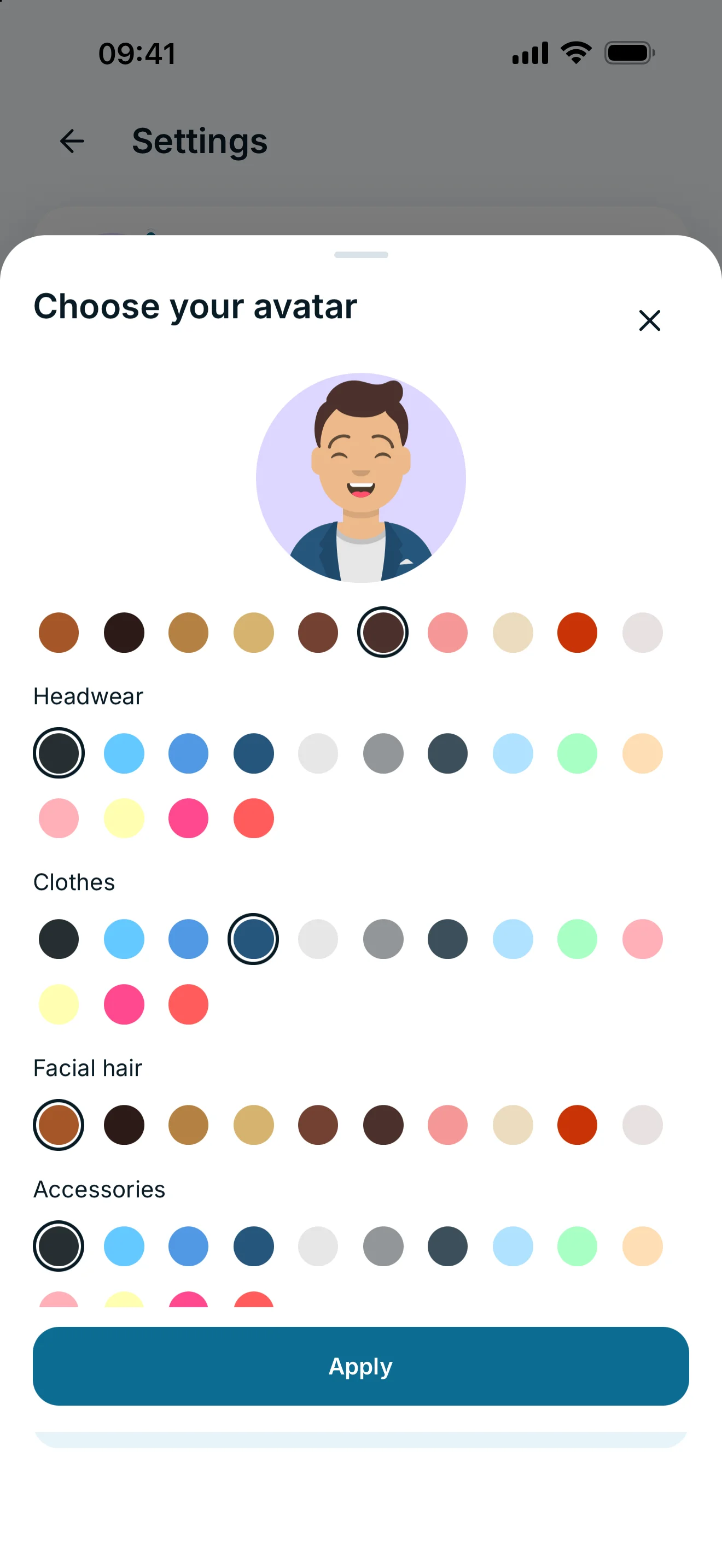
Scroll to Customize in the avatar editor. You can adjust features such as hair, eyes, eyebrows, mouth, facial hair, accessories and clothes. Colour options include the background, skin, hair and clothing. Optional elements such as accessories also offer None.
Check the preview and save with Apply. Reset resets editor customisations; it does not delete your account or connections. Close the editor without applying to discard your selection.
What do my contacts see?
The saved avatar is part of your profile and appears in places such as people lists and favourites. It is not a private image just for your Home screen. A private nickname for a contact does not change their avatar.
If suggestions or previews do not load, check your internet connection and reopen the editor. Wait for the preview before saving.
Frequently asked questions
Do I need glancy+ to customise my avatar?
No. Choosing and customising your own avatar is available without glancy+.
Can I change it again later?
Yes. Open Edit avatar again, change your selection and tap Apply.