How Do I Remove a Connection in glancy?
End a connection deliberately and understand what happens to location access, group membership and favourites.
Open the person under People, scroll to Remove connection and confirm. Remove and block also prevents new requests from that person. Afterwards, neither of you can access the other’s location through the connection.
Remove a connection
- Open People and select the person.
- Scroll down their details.
- Tap Remove connection.
- Read the consequences and confirm Remove.
Location shares between you end. The person is removed from your groups and favourites. glancy does not send them a notification about the removal. They may still notice that the connection or location access is missing.
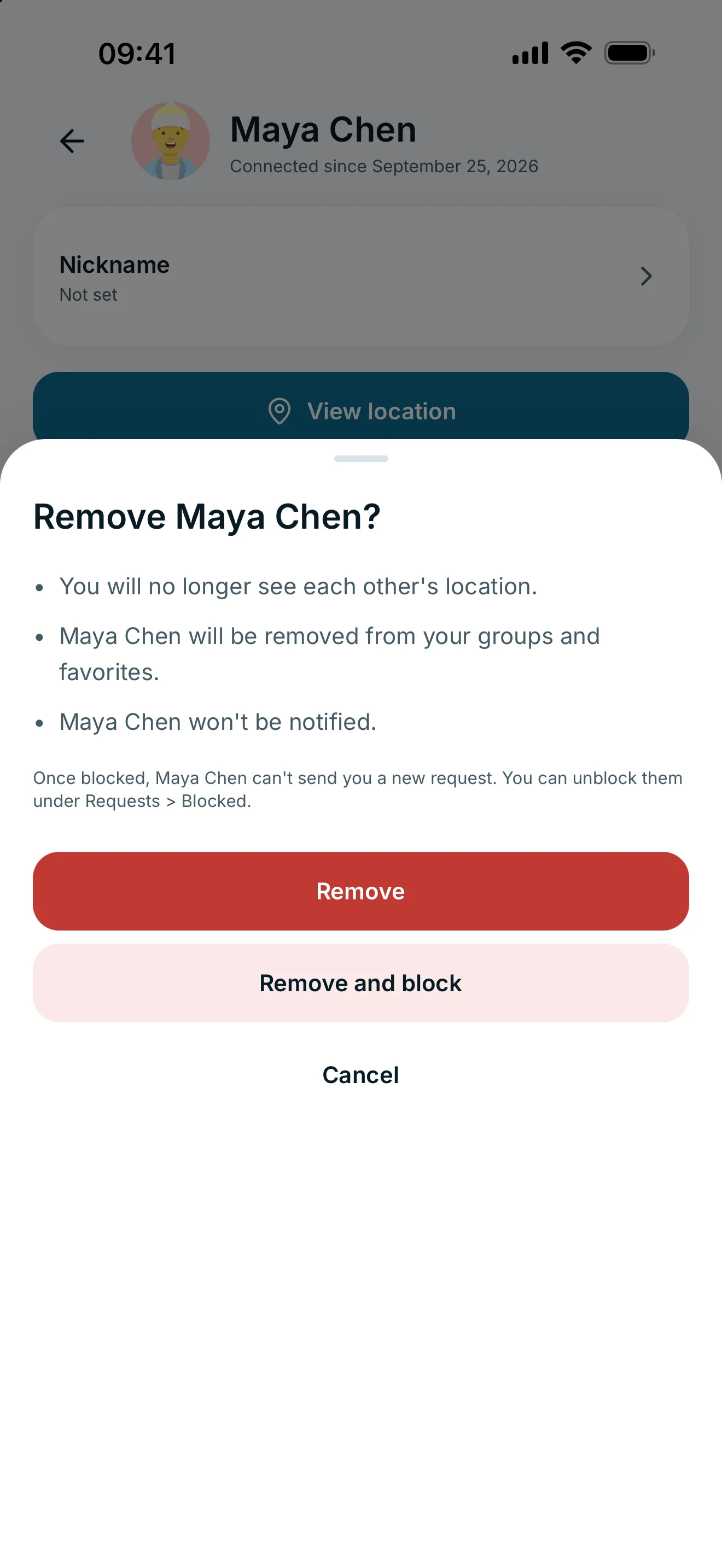
Remove or also block?
Choose Remove and block to prevent the person from sending you a new connection request. You can unblock them under Requests → Blocked later. Unblocking does not restore the old connection or its permissions automatically.
If you only want to remove a tile from Home, remove the favourite instead. Use the global pause for a temporary break from sharing with everyone. These actions have different consequences from removing a connection.
Frequently asked questions
Does the person receive a notification?
glancy does not notify them when you remove the connection. They may still notice that the connection or location access is no longer available.
Can we reconnect later?
You can send and accept a new request if neither person is blocking the other. Doing so does not automatically restore previous location permissions.