Security
Built against secret tracking
A location app can become a weapon if it is built carelessly. Here is how we prevent that, and what to do if someone is pressuring you.
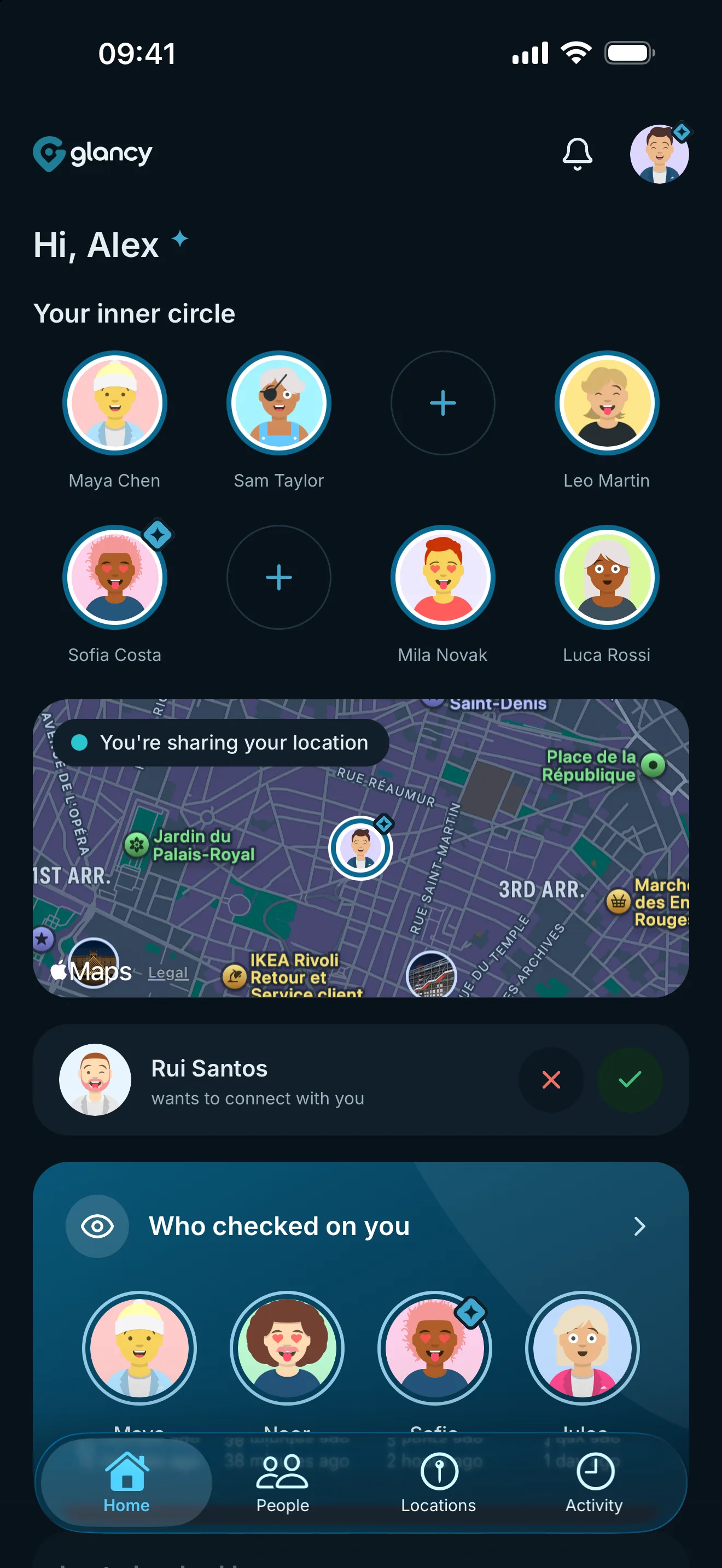
Maya just viewed your location.
Being viewed
Watching someone in secret is not hard in glancy. It does not exist.
Both sides have to agree
Nobody can add you. A connection only exists once both sides have accepted.
And being connected shows no location at all. Whether you share is a separate decision, and you can change it any time.
You decide whether it pings you
For each connection you choose whether you get a push notification when they view your location. That lets you stay relaxed with people close to you and be told straight away by others. It is switched on by default.
But the push is only the loud half. Recorded location views appear in the log; repeat views within your chosen cooldown share one entry.
The log does not forget
Recorded views remain in the log whether or not you saw the notification. Repeat views by the same person within your adjustable cooldown share one entry (5 minutes by default). That keeps you from being flooded with alerts when someone checks several times in quick succession.
You can always read back who looked, and when. Someone who checks unusually often stands out, even if every single notification passed you by.
If someone is pressuring you through glancy
You do not have to put up with it, and you do not owe anyone an explanation. Here is what you can do:
- Stop sharing. Open that person and tap "Stop sharing". It takes effect at once, and they get no separate notice about it.
- Write to us at support [at] getglancy [dot] com if you need help or something is not working.
Technical safeguards
- In transit
- Every connection between the app and our servers is encrypted. Location data never leaves your device in the clear.
- At rest
- Latitude, longitude, accuracy, altitude, speed and heading are stored together with AES-256-GCM encryption. The server decrypts them after authenticating the owner or checking sharing permissions. Account association and capture time remain separate. This is not end-to-end encryption.
- Access inside the team
- Location data is not support material. Access exists only where it is technically unavoidable, and it is logged.
What glancy cannot do
Safety does not end with one app. Good to know in addition:
- Whether you share is up to you. You always see who you share with and can end sharing at once.
- glancy does not protect you from being located by other means: your operating system’s family sharing, AirTags, or your mobile network.
- Deleted log entries cannot be restored. If you delete your account, they are gone.
- Whoever gets hold of your unlocked phone can also change settings in glancy. Secure your device with a passcode or biometrics.
Reporting a vulnerability
If you have found a security issue, tell us at support [at] getglancy [dot] com before you publish it. We will reply and keep you posted.
Machine-readable contact details are at /.well-known/security.txt.